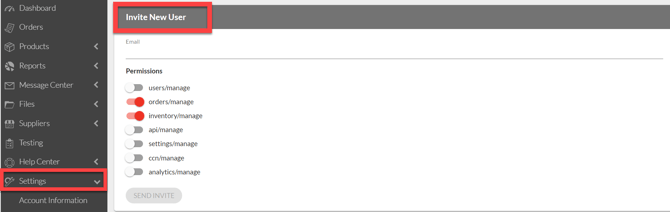
1. Logicbroker will send an email after you onboarding survey is submitted with the subject "Welcome to Logicbroker!"Please note: these invitations expire after 7 days. If the invitation expires please contact our team atSupport@logicbroker.comto be sent a new invitation.All companies must register to use the Logicbroker Portal regardless of connection method.
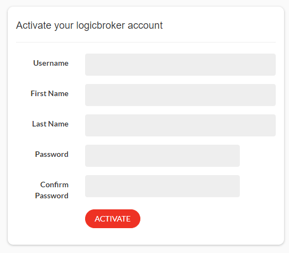
2. Set up a username and password then choose Stage Portal. For more information see here.
3. The Logicbroker portal supports multiple users. This is a self-serve function that you can perform yourself. Once one user account is created, additional users can be added and modified by going to Settings > Manage Users. For more information on user management, see here. After registration, you will be able to access the Stage portal here.