How to Save Box Dimensions
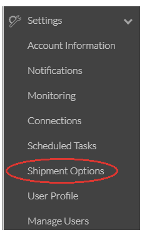
- Expand Settings on the left navigation bar of Logicbroker
- Select Shipment Options
- Click the Boxes bar at the top of the screen to expand.
- Click New Box
- Enter in the Box Name, Height, Width, and Length (in Inches)
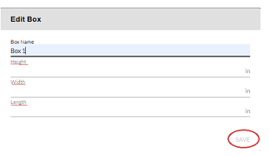
- Click Save.
To Use the Saved the Box Dimensions
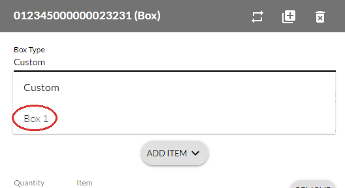
While creating the shipment document, click the word Custom under Box Type. Select the box you created and enter the weight of the package.