Loading Inventory
Orders require an inventory feed to process correctly on the Logicbroker Platform. The steps for uploading and updating inventory are the same, and the process is the same in both Stage and Production.
- EDI - load the 846 file through the established EDI AS2 connection or via FTP/SFTP.
- Excel or CSV - load the file through Stage Portal.
- See the steps below for the template and steps.
- We recommend using an Excel file if you are not familiar with CSV-formatted files.
NOTE: The inventory feed is used for stock and order purposes only. If you need to update item cost or other such information, please reach out to your buyer contact at Boscov's before making those changes in Logicbroker.
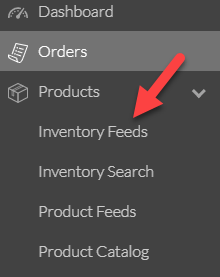
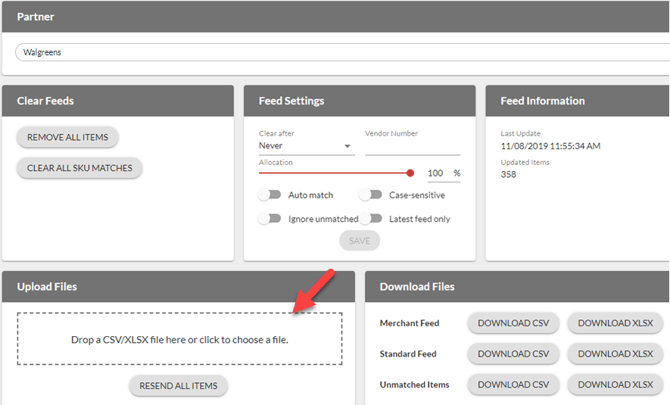
1. Navigate to Products --> Inventory Feeds.
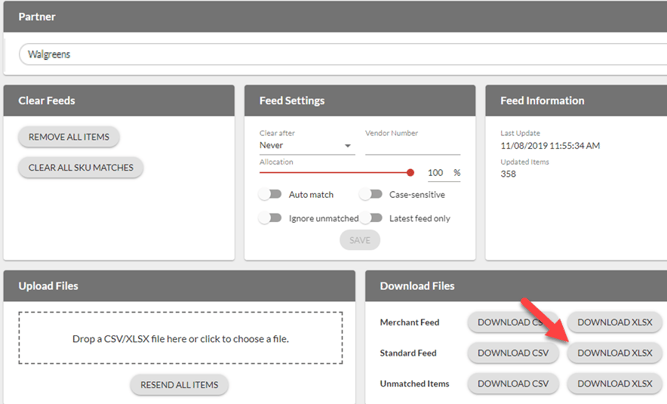
2. From the Download Files section, select Download XLSX (or CSV) to download the appropriate inventory headers in an Excel file.
3. Update the Excel file with the appropriate information.
- The only required fields are SupplierSKU, UPC, and Quantity.
- In Stage, be sure to load at least 5 unique SupplierSKUs (anything less may cause issues with test order generation.
- In Production, please upload your full inventory listing with accurate quantities.
- NOTE: UPCs are typically 12 digits long, and we advise you to format the field at Text to ensure the number is not converted into a scientific number.
- NOTE: A sample inventory file is attached to this article as well.

4. Drag and drop the Excel file in the Upload Files section OR click inside the dotted box to select a file to upload.
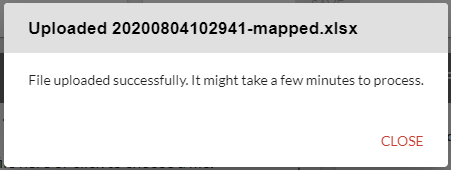
5. A dialogue box will appear advising you of the status of the upload. Click Close.
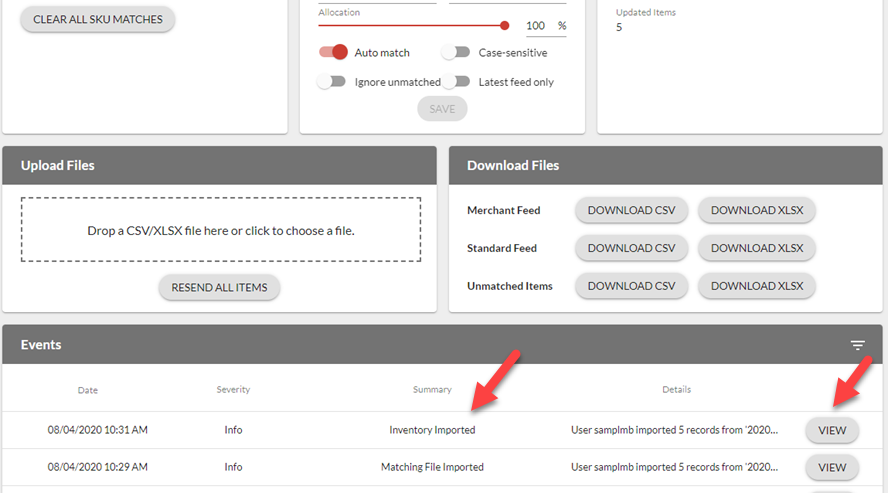
6. From the Events section, you can see that your file successfully loaded and you can review the file that was uploaded by clicking on View.
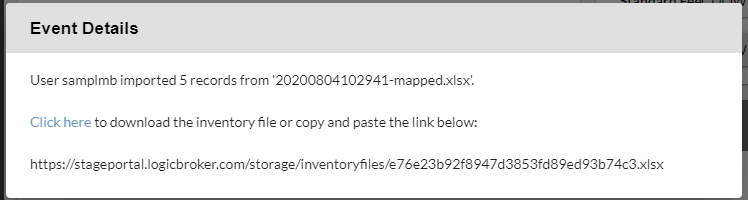
- A dialogue box appears where you can download the file that was originally uploaded.