
Request to go live
Once you have completed all onboarding steps, click on Request to go live. Dick's Sporting Goods will review and reject or approve your request.
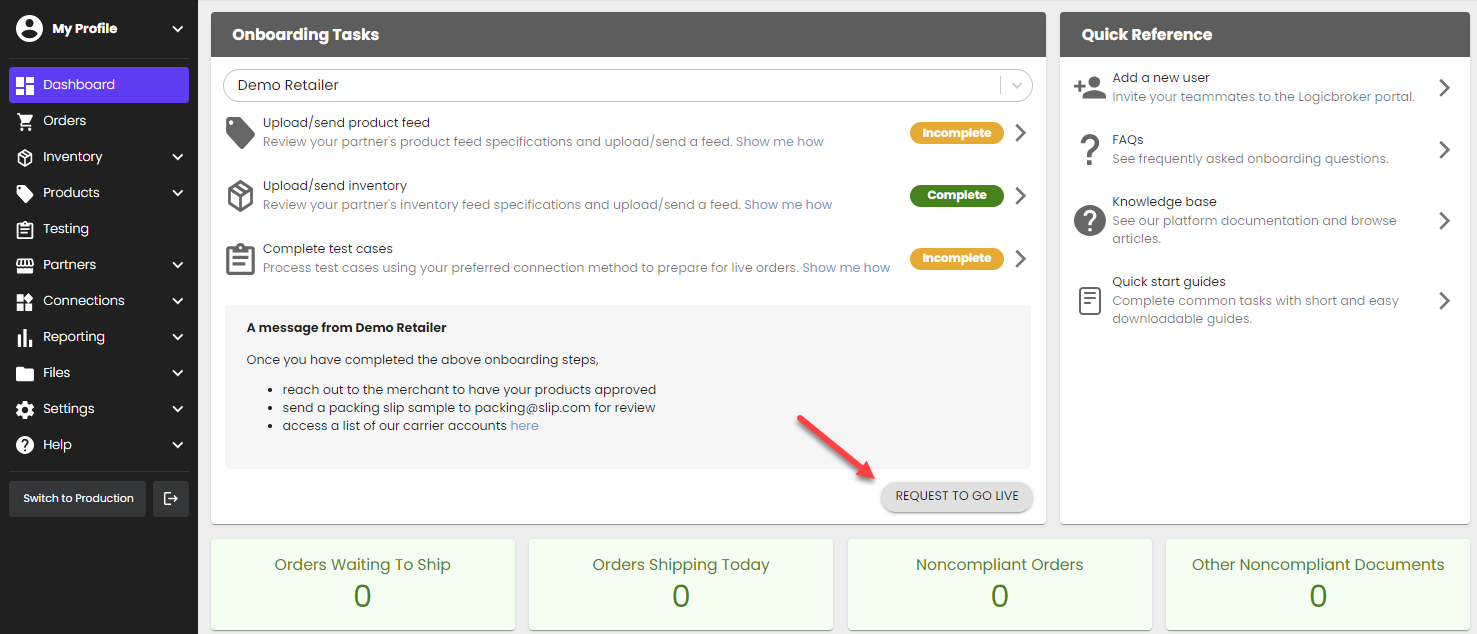
Dick's Sporting Goods will push your account live
Dick's Sporting Goods will confirm all onboarding steps are complete and will push your account into production. You will receive an email with the subject line "[Supplier]'s connection with Dick's Sporting Goods is live!" This email will link you to our production portal.
Complete post-production steps
Once you are live, you will need to complete post-production onboarding steps. Any settings added in stage will not carry over so these will need to be re-configured in production:
- Set up your connection in production
- API Suppliers: Generate a production API key from the API page
- EDI Suppliers: Add your production EDI connection from the EDI page
- Shopify Suppliers: Add your production Shopify connection from the Connections page
- Upload/send live inventory in production from the Inventory Feeds page
- Re-configure any stage settings in the production portal