
Audience: Retailer customers
In this article, you will find information related to Settings options available within the Product Onboarding Center. The sections within this article are outlined below:
Overview
The settings page provides retailers with the ability to configure their product taxonomy, to provide suppliers with the guardrails needed to drive compliance. Retailers can create their taxonomy manually in the portal, import from existing systems, or through the API.
Categories
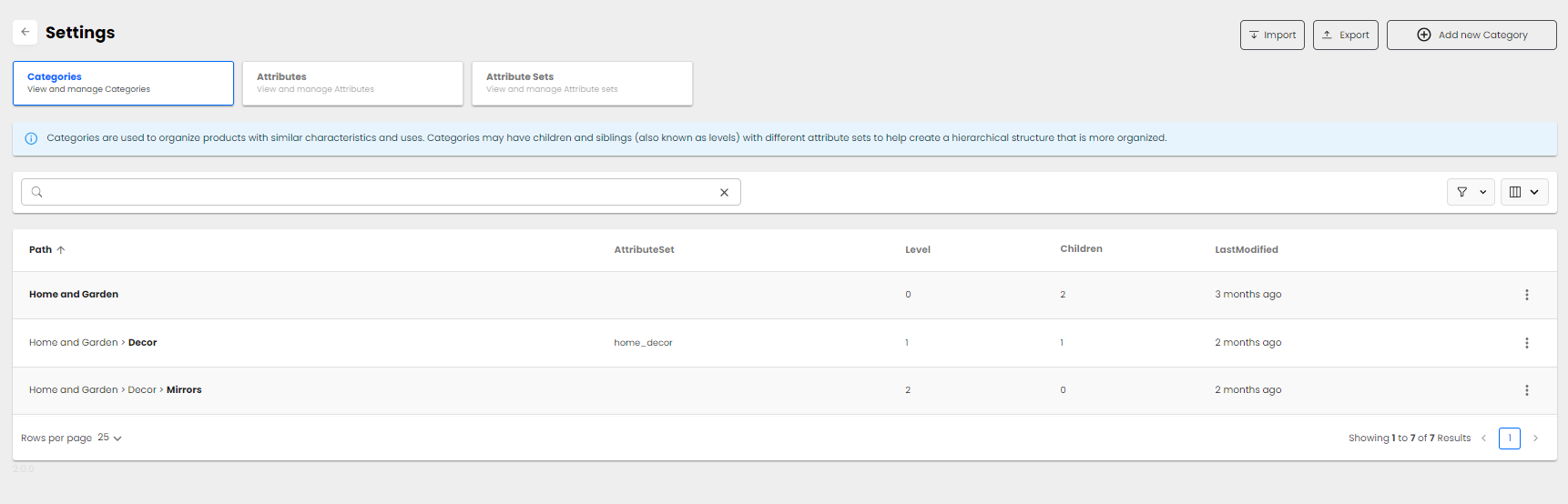
Categories are used to organize products with similar characteristics and uses. Categories may have children and siblings (also known as levels) with different attribute sets to help create a hierarchical structure that is more defined.
Attributes
Attributes allow retailers to define the different fields they would like to collect from suppliers to help describe a product.
- Text: Any string value used when there are differet input types. Example: Product Name - Logicbroker Tee Shirt
- Select: Values are provided in a dropdown field and is used when there are rules around the field. Example: Category - Appliances
- Number: A decimal number. This attribute is used when the answer is a numerical value. Example: Cost of Product - 42.00
- Image: Image is downloaded into our content delivery network.
- Yes/no: This is a boolean value, where the field can only be one of two values. Example: Is bundle? Yes
- List: A collection data type that allows multiple values to be stored in a single field.
Attribute Sets
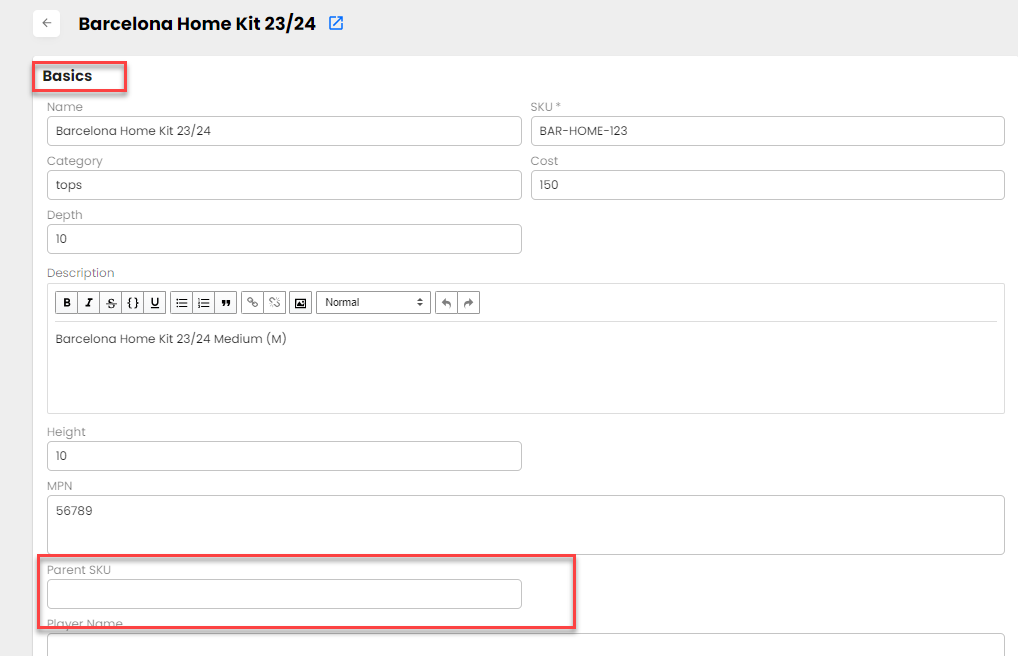
Attribute sets are groups of attributes used to create templates for information collected from the supplier. Attribute sets are also used to organize the way the data is displayed on the product detail page.
Import/Export
The import and export functionality provides retailers with an easy way to bring their existing taxonomy into the portal or extract the information out of Logicbroker to use in their other systems. Logicbroker offers the ability for retailers to import their categories, attributes, and attribute sets. The export functionality can be used to export categories, attributes, attribute sets, partner products (partner catalog), and products (my catalog).