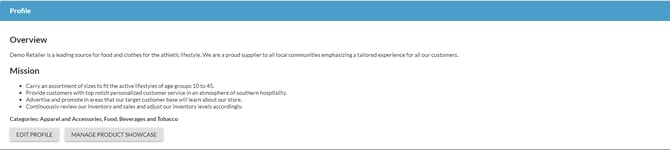
You can begin by providing a logo, description of your company, products and the categories for which you sell.
Navigate to Settings > Account Information
🗒️Note:
You should setup your profile in the Logicbroker production portal. Users will not view or request a connection in stage and the profile will need to be copied into production.
Under Profile you can use the WYSIWYG editor to provide a description and add categories for the products you sell. This profile will be visible to all retailers in the Connected Commerce Network™. It is recommended to provide an overview of your company, description about your brand and what you offer your customers.