Audience: Marketplace Operators and Sellers
In this article, you will find all of the information related to how to use the Payment Center. The sections within this article are outlined below:
Overview
The Payment Center provides the ability for operators and sellers to review all of their marketplace transactions within the platform. Sellers are able to configure their balance accounts, make any edits, and review all marketplace transactions. Operators are able to view necessary account information to ensure Sellers are paid out each cycle, review all marketplace transactions, and are able to retry failed transfers.
Please Note: KYC and account information requirements may vary depending on the payment provider the operator is working with.
Navigating to the Payment Center
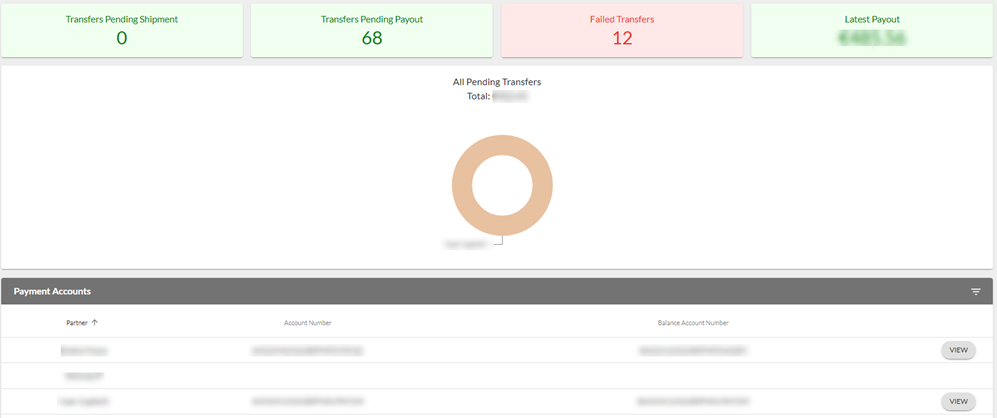
To access the Payment Account Set Up Wizard, navigate to the Retailer (Supplier) tab on the left-hand side toolbar and select Payment Center from the dropdown. You will then see the Payment Center Dashboard page.