IMPORTANT: Notifications & Monitoring are specific to your Stage and Production accounts, so you will need to set up in both locations when the time comes.
Set Up Notifications
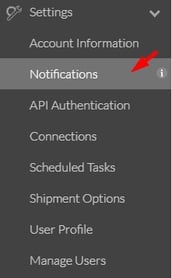
1. Navigate to Settings --> Notifications.
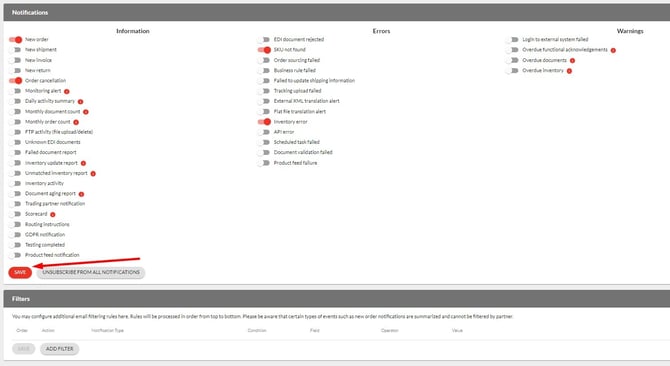
2. From the Notifications page you can select all the reports and notifications you want to be emailed to you (toggle to red).
- By default, when a user is set up, they will be configured with a default set of notifications.
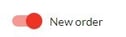
- You can unsubscribe from a notification simply be turning the switch off (toggle to grey).
3. Before leaving the page, you must click Save to update your notification settings.