
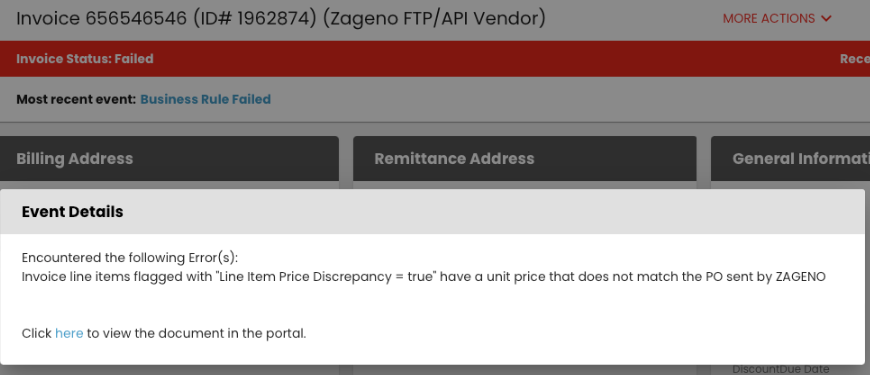
Logicbroker will check the unit price of each invoiced item against the corresponding unit price on the PO that ZAGENO sent to you. If the prices do not match the PO, the line items will be flagged and your invoice will fail and you will get a failure email notification. Within the portal you will see the messages as follows within your invoice document:
To resolve the failed invoice, set the original invoice that failed to ignored status. To do that, go to the top of the document within the portal click more actions > change status, see below. Once the status overlay pops up, click ignore. Once you’ve done this, please re-transmit a new invoice with correct unit pricing.
